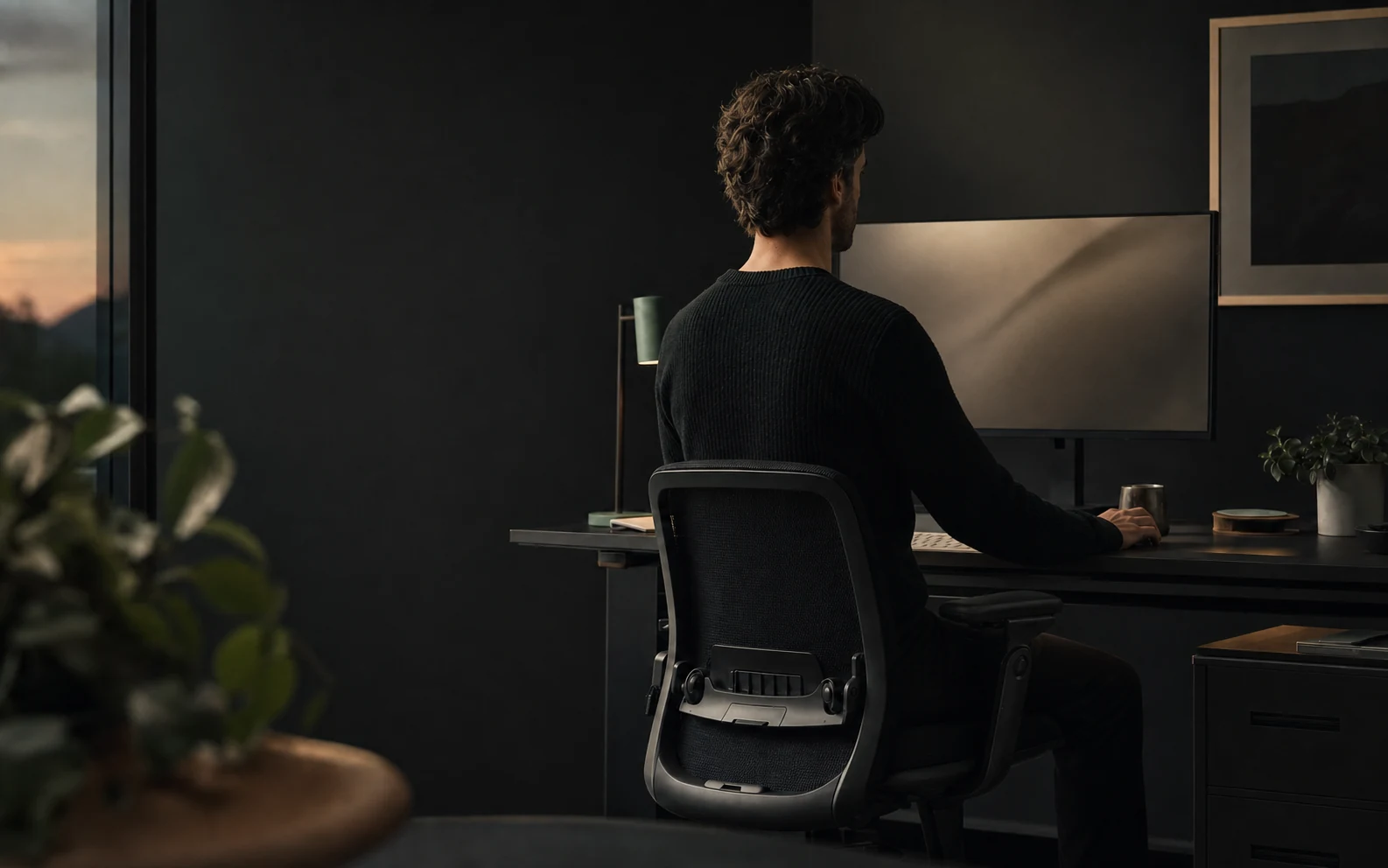
Move the screen high and close enough to read without leaning, bring the keyboard and mouse toward you, support your back and feet, increase text size, and change position regularly. Then use a reminder only when sustained drift is the part you still fail to notice.
The short answer
Fix the desk setup that keeps pulling you forward
Slouching usually solves an immediate problem. It moves your eyes closer to small text, brings your hands toward a distant keyboard, lets tired muscles stop working, or helps you concentrate on something below eye level. Telling yourself to “sit straight” does not remove the reason your body moved.
OSHA says there is no single correct workstation arrangement for everyone. Its useful design goals include a balanced head and neck, relaxed shoulders, supported lower back, input devices within reach, and supported feet. Check each point at your own desk, then continue changing position throughout the day.
Fix visibility and reach first. Add support second. Build movement into the workday third. Use posture feedback for the drift that remains.
Find the cause
Identify why you keep slouching
| What keeps happening | Likely pull | Change first |
|---|---|---|
| Your face moves toward the screen | Text is small, the display is far away, or glare reduces visibility | Increase text size, reduce glare, and bring the display closer |
| Your shoulders round toward the keyboard | Keyboard and mouse sit too far away or too high | Move input devices closer and let elbows stay near the body |
| You slide toward the front of the chair | Seat depth, desk clearance, or feet support do not fit | Support the feet and sit far enough back for the backrest to help |
| You collapse late in a focus block | Fatigue and a long static session | Change activity or move before the usual slump point |
| You look down for notes or a phone | The work itself sits below your normal sightline | Raise the material or use a document holder, then move between tasks |
Watch a normal work block before buying anything. Notice the task, time, and direction of movement. A chair cannot fix unreadable text. A monitor arm cannot bring a distant mouse toward you. A reminder cannot create recovery time in a meeting-heavy calendar.
A practical reset
Fix your desk setup in ten minutes
- 01
Start with the chair and feet
Sit far enough back for the backrest to support you. Adjust height so your feet rest on the floor, or add a stable footrest. Leave space behind the knees.
- 02
Move the keyboard and mouse closer
Keep elbows close and shoulders relaxed. Move the input devices toward you until you can use them without reaching or holding the arms forward.
- 03
Place the screen for relaxed viewing
Put the main display directly in front. OSHA’s starting point is the top at or just below eye level, with a comfortable viewing distance and text large enough to read while supported.
- 04
Remove the visual reasons to lean
Increase application zoom, improve contrast, move frequently used windows to the main screen, and reduce reflections. A two-click text adjustment can beat expensive furniture.
- 05
Test the whole task
Type, use the mouse, read the smallest regular text, check notes, and join a call. The setup must work during the activity that usually pulls you out of position.
After the reset, relax your shoulders and test a normal task. If you still lean forward or hold tension, adjust the screen, input devices, chair, or foot support again.
The laptop compromise
Use a laptop stand with an external keyboard for long sessions
Raise a laptop high enough for relaxed viewing and the built-in keyboard becomes awkward to reach. Bring the keyboard close and the screen drops. No posture technique removes that mechanical compromise.
Use a stand or raised surface with an external keyboard and mouse. Keep the camera at a useful angle if you use posture tracking.
Choose a supported seat, raise the laptop as much as practical, increase text size, and keep the session genuinely short.
Make one screen primary, put it in front, and avoid repeatedly twisting between equally important displays.
For long laptop sessions, buy a basic stand, keyboard, and mouse before buying a posture device.
Movement and recovery
Change position and leave the screen throughout the day
Even a comfortable arrangement becomes tiring when held for a long time. The UK Health and Safety Executive prefers short, frequent breaks or changes of activity to occasional long breaks and gives 5 to 10 minutes after 50 to 60 minutes of continuous screen work as an example. NIOSH has also reported lower discomfort and eyestrain when conventional breaks were supplemented with hourly five-minute breaks.
A break does not need a special routine. Stand while a document exports, refill water, take a call away from the screen, walk to another room, or switch to a non-screen task. The break should change your position and let you look away from the screen.
Standing desks help when they make variation easier. Standing rigidly for the whole afternoon recreates the static-work problem in a new position. Alternate and keep the screen, keyboard, and mouse aligned for each height.
Feedback without nagging
Use timed reminders for breaks and posture alerts for slouching
A movement break depends on elapsed work time. Schedule it. A posture cue depends on what your body is doing. Trigger it after sustained drift. Combining those jobs into a repeating “sit straight” notification creates alerts when nothing needs correcting and teaches you to dismiss them.
Start a posture-aware delay around 30 seconds, then tune it. If normal reaching, reading, and note-taking create alerts, lengthen the delay. If you regularly disappear into a slouch for most of a focus block, shorten it. The complete posture reminder timing guide separates these clocks and gives a one-week tuning plan.
Choose the least forceful cue you still respect. A quiet edge or notification preserves concentration. Screen dimming, blur, games, or locks are harder to ignore. The posture app buyer’s guide compares those feedback styles directly.
If you are considering a camera-based cue, read how webcam posture tracking works before granting access. It explains what the model can see, what it misses, and how to separate local frame processing from cloud accounts and analytics.
Programmers can use the focused coding posture guide to adjust editor text, terminal output, laptop height, multiple displays, and movement between tests, builds, reviews, and meetings.
Daily checklist
What to do at the start of work, during focus, and between meetings
Place the screen, input devices, chair, and feet. Open the work at a readable zoom. Start monitoring only if you want it.
Stand, walk briefly, and return with the chair and keyboard where they belong. Meetings are a natural transition, so use them.
Use a posture alert only after you have stayed in a slouched position. Pause it for presentations or tasks where you cannot respond.
Change activity or leave the screen for several minutes. Movement is the job; touching your toes is optional.
Notice one repeated pull. Fix one input tomorrow. Do not turn posture into a daily scorecard for self-criticism.
Know the boundary
Speak to a health professional about persistent pain or other symptoms
Speak to a qualified health professional if pain persists or worsens, follows an injury, wakes you, or appears with weakness, numbness, tingling, or another symptom that concerns you. Individual health, disability, previous injury, pregnancy, vision, medication, and work demands can change what a suitable setup looks like.
Plumb is a general wellbeing and habit-support tool. It estimates visible posture changes and provides reminders. It does not diagnose, treat, cure, or prevent a condition, and it cannot decide whether pain is caused by posture.
Common questions
Practical questions about desk posture
What is the fastest way to stop slouching at a desk?
Start with the workstation. Move the screen high and close enough to read without leaning, bring the keyboard and mouse toward you, support your back and feet, and increase text size if you still creep toward the display. Then add regular movement and a cue for sustained drift.
Should I force myself to sit straight all day?
No single posture fits everyone or should be held all day. Use a comfortable supported position as a baseline, then change position and move regularly. Rigidly bracing yourself can become another uncomfortable static posture.
Will a standing desk stop me slouching?
A standing desk changes the position, but it does not automatically fix screen height, reach, fatigue, or prolonged stillness. Alternate positions and set up the monitor and input devices for each one.
How often should I move away from my screen?
The UK Health and Safety Executive gives 5 to 10 minutes after 50 to 60 minutes of continuous screen work as an example and prefers short, frequent breaks or changes of activity over occasional long breaks.
When should I speak to a health professional?
Seek qualified advice for persistent or worsening pain, pain following an injury, weakness, numbness, tingling, or symptoms that concern you. A posture app is a general wellbeing tool and cannot diagnose or treat a condition.
References