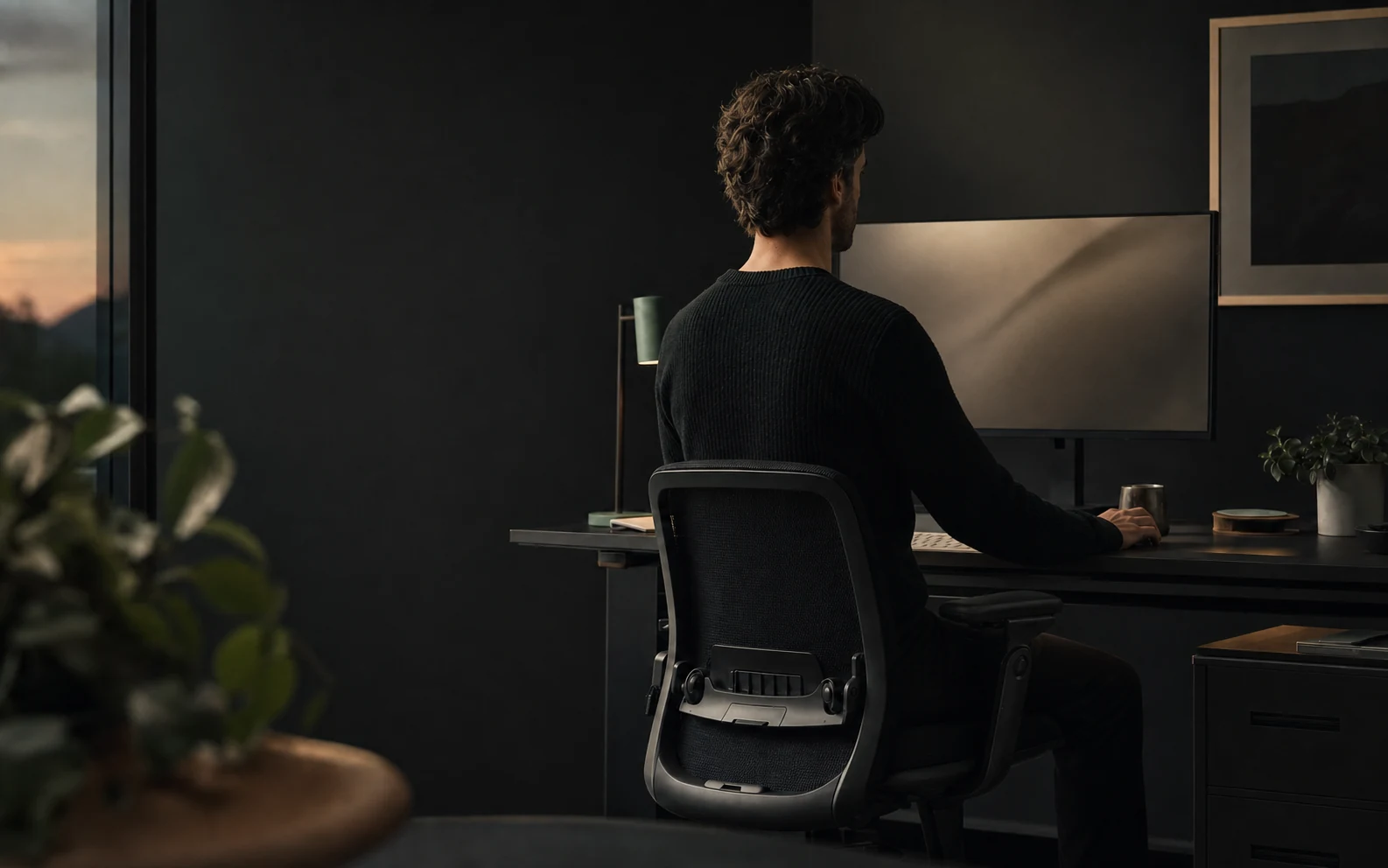
Increase editor and terminal text until you can read from the backrest, put the main display directly in front, move the keyboard and mouse close, support your feet, and leave the screen between focus blocks. Use a laptop stand with an external keyboard for long sessions. Add a posture-aware cue only when sustained drift remains hard to notice.
The short answer
Make the code come to you
You lean toward code when the text is small, the active pane sits on a side display, the laptop is low, or the keyboard and mouse make you reach. Deep focus then keeps you there through a test run, review, or debugging session. Fix visibility and reach before trying to hold your shoulders back for hours.
OSHA says one workstation arrangement will not fit everyone. Its starting points include a balanced head and neck, relaxed shoulders, supported lower back, elbows close to the body, hands in line with the forearms, and supported feet. Adapt those goals to your eyesight, body, equipment, and work.
Open the smallest code you read each day. Increase its size until you can understand it without leaving the backrest.
Find the pull
Why programmers slouch during deep work
| Moment | What pulls you forward | Change first |
|---|---|---|
| Reading a dense diff | Small text, low contrast, or a narrow review pane | Zoom the diff and widen the active pane |
| Debugging in the terminal | Tiny logs below the editor or on a side display | Raise terminal font size and move the live output to the main display |
| Using a laptop alone | The screen sits below a relaxed sightline | Raise the laptop and add an external keyboard and mouse |
| Working across two displays | The active editor stays off-centre | Choose one primary display and put active code in front |
| Long debugging session | Concentration hides fatigue and removes task changes | Move when a build, test, or deployment creates a natural pause |
Observe one ordinary coding block. Note the file, window, device, and moment your head moves toward the screen. That evidence tells you whether to change zoom, window placement, hardware, or the length of the work block.
A fast reset
Set up your coding position in five minutes
- 01
Sit back and support your feet
Use the backrest. Lower the chair or add a stable footrest until your feet feel supported and the seat edge does not press behind your knees.
- 02
Bring the keyboard and pointing device close
Keep elbows near your sides and shoulders relaxed. Move the keyboard and mouse toward you until you stop reaching through the shoulder.
- 03
Centre the main display
Place the editor in front of you. Use the top of the display at or slightly below eye level as a starting point, then adjust for your vision and comfort.
- 04
Increase code and interface text
Resize the editor, terminal, browser DevTools, issue tracker, and diff view. Test the smallest regular text from a supported position.
- 05
Run the task that usually causes the slump
Open a review, reproduce a bug, or read logs. Adjust the real task instead of judging the setup from an empty desktop.
Software ergonomics
Fix your editor, terminal, and browser before buying furniture
Editor zoom is part of workstation setup. Increase font size, line height, and contrast until identifiers, punctuation, and inline errors remain clear from the backrest. Hide panels you do not use. Give the active file enough width that you are not leaning in to parse wrapped code.
Apply the same test to the terminal and browser DevTools. Developers often enlarge the editor while leaving logs, network requests, stack traces, and pull-request diffs several steps smaller. Your posture follows the hardest text in the workflow.
Reduce repeated reaching as well. Keep the pointing device beside the keyboard, learn shortcuts for navigation you perform throughout the hour, and move command palettes or search results into a readable central pane. Shortcuts should remove awkward movement, not force your wrists into combinations that feel strained. Change the shortcut or use the mouse when a command feels uncomfortable.
Use a readable diff width and text size. Collapse unchanged files and move the review to the display in front.
Bring the relevant logs beside the code. Filter noise so you do not scan tiny lines across a crowded terminal.
Pause posture tracking when you must turn toward another person or display. Restore the normal layout after the call.
Hardware choices
Separate the laptop screen from its keyboard for long sessions
A laptop joins the display and keyboard at one hinge. A comfortable screen height raises the keyboard too far; a comfortable keyboard position leaves the screen low. For long coding blocks, use a laptop stand or raised surface with an external keyboard and mouse.
With two displays, choose one as primary. Put the editor, review, or terminal you watch most on that display. Use the side display for reference material you glance at rather than a task that keeps your head rotated. If both displays matter equally, place them close together and turn the chair with the task instead of twisting only your neck.
Short sessions away from the desk need a smaller promise. Raise the laptop as much as the setting allows, enlarge text, support the forearms, and finish the task before a temporary position becomes an afternoon.
Work with the development loop
Move at transitions that already exist in coding
The UK Health and Safety Executive prefers short, frequent breaks or changes of activity and gives 5 to 10 minutes after 50 to 60 minutes of continuous screen work as an example. You do not need to interrupt a useful thought every twenty minutes. Use transitions that the work already creates.
Stand while a longer test suite or build runs. Look away from the screen instead of opening another tab.
After a coherent change, leave the chair before starting the next file or review.
Use the end of a call to walk, reset the chair, and restore the editor to the main display.
Step away while you rethink the problem. A different position can mark a useful change from execution to planning.
Feedback without noise
Use time for movement and posture detection for slouching
Schedule movement by elapsed work time. Trigger posture feedback after your position drifts and stays there. A repeating “sit up” notification cannot tell whether you are upright, away from the desk, or looking down for a legitimate task.
Start a posture-aware delay around 30 seconds and tune it during normal coding. Lengthen the delay when reaching, reading, or pairing causes false alerts. Shorten it if you spend much of a focus block in the same slump. Pause monitoring for presentations and tasks where you cannot respond.
Read the full posture reminder timing guide for a one-week tuning plan. The webcam tracking guide explains camera privacy and detection limits, while the Mac posture app comparison covers quiet cues, screen dimming, games, AirPods, and wearables.
Know the boundary
Get qualified help for persistent pain or other symptoms
Speak to a qualified health professional if pain persists or worsens, follows an injury, wakes you, or appears with weakness, numbness, tingling, or another symptom that concerns you. Vision, disability, previous injury, medication, pregnancy, and individual anatomy can change what a suitable workstation looks like.
Plumb supports a general wellbeing habit. It estimates visible posture changes and shows reminders. It does not diagnose, treat, cure, or prevent a condition, and it cannot tell you whether posture caused pain.
For a broader setup walkthrough, use the complete desk-slouching guide.
Common questions
Questions programmers ask about posture
How do I stop slouching while coding?
Make editor text readable without leaning, place the main display in front, bring the keyboard and mouse close, support your feet and back, and leave the screen between focus blocks. Add a posture-aware reminder only for sustained drift you still miss.
Where should my monitor be when coding?
Use the top of the screen at or slightly below eye level as a starting point, then adjust for your vision and comfort. Put the editor on the display directly in front and increase text size before moving your face toward the code.
Is a laptop stand enough for long coding sessions?
A stand raises the screen but also raises the built-in keyboard. Pair it with an external keyboard and mouse for long sessions so you can keep the screen visible and your elbows close to your body.
How often should programmers take a break?
The UK Health and Safety Executive prefers short, frequent breaks or changes of activity and gives 5 to 10 minutes after 50 to 60 minutes of continuous screen work as an example. Use tests, builds, deployments, and meetings as natural points to move.
Can a posture app fix pain from coding?
A posture app can help you notice a repeated position. It cannot diagnose or treat pain. Seek qualified help for persistent or worsening pain, symptoms after an injury, weakness, numbness, tingling, or any symptom that concerns you.
References