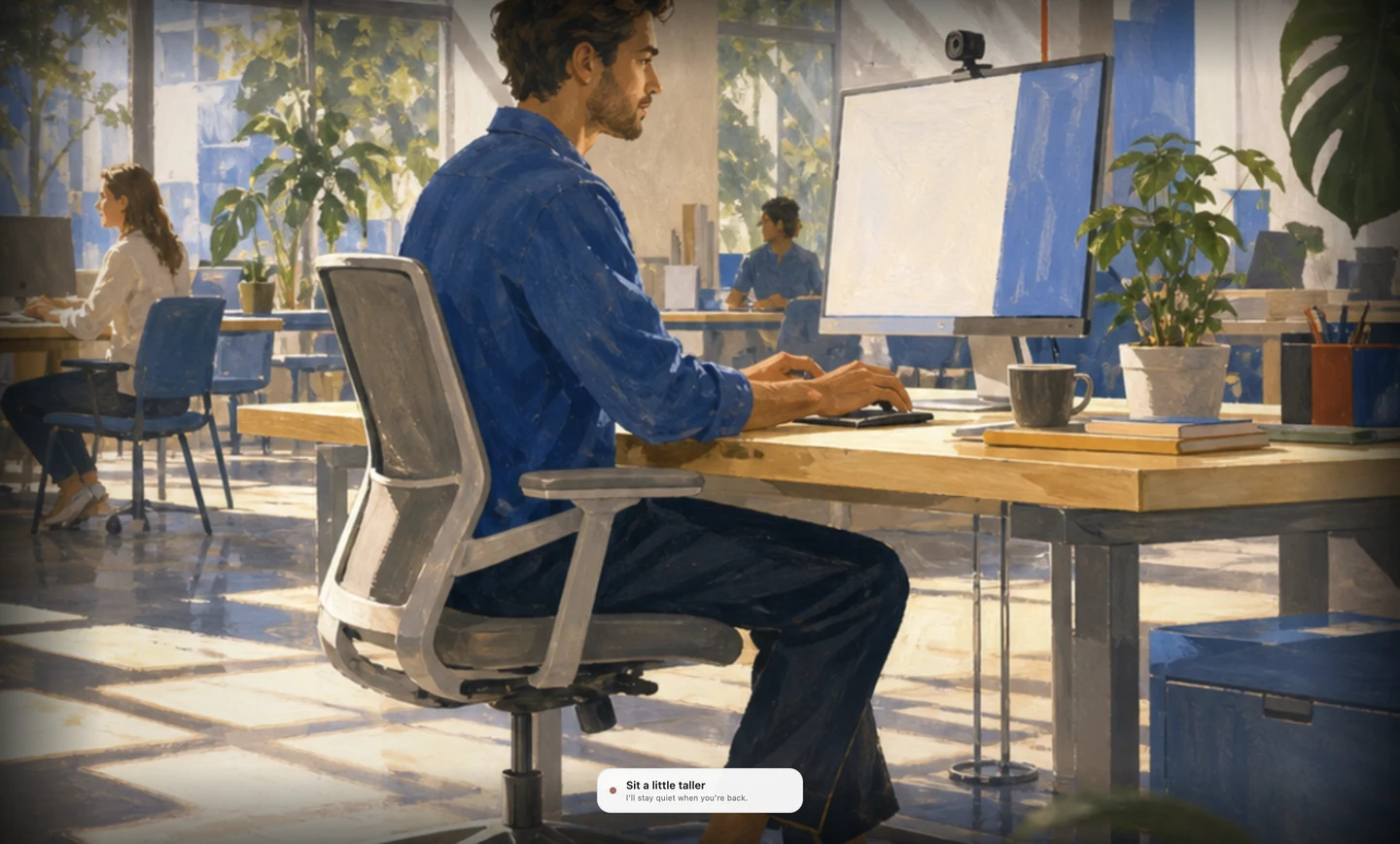
The short answer
Choose posture reminders alone or posture plus movement coaching.
Straighty combines local camera posture tracking with a yoga module that uses camera feedback. Plumb stays focused on personal calibration, sustained drift, recovery, and trends during desk work.
Show Plumb how you sit, receive a quiet alert after you remain slouched, and keep your posture history on your Mac.
Requires macOS 15 and offers less publicly documented progress depth.
Your free trial starts with the first monitoring session, not the download.
At a glance
Plumb vs Straighty at a glance
Compare what each product asks you to install, wear, permit, notice, and pay for.
| What changes for you | Plumb | Straighty |
|---|---|---|
| How it notices posture | On-device Mac camera model, calibrated to three personal positions | Local camera-based posture analysis |
| How it responds | A quiet reminder after posture drift persists | Gentle sound or visual alerts when slouching or hunching is detected |
| Personal setup | Learns upright, natural slump, and looking-down positions | Adapts to the workspace; public pages do not describe Plumb’s three-pose model |
| What progress looks like | Local posture time, recoveries, and longer-term trends | Public positioning emphasizes monitoring and guided yoga rather than detailed desk-posture trends |
| Where it works | macOS | macOS 15 or later |
| What you need | A Mac and a useful camera angle | No wearable; a camera is required |
| Before you pay | Complete 3-day trial with no card or account | Free download and a browser demo for core posture monitoring |
| Price checked 23 July 2026 | $3.99 monthly, $34.99 annually, or $45 founding lifetime | Free when checked |
The daily routine
Compare posture reminders alone with posture and movement coaching.
Plumb stays centred on posture drift during computer work. Straighty broadens the routine with camera-guided yoga, which can be valuable if structured movement is part of the goal.
Straighty requires no wearable; a camera is required. It supports macOS 15 or later. Check whether that hardware and platform setup works at the desk where you need reminders.
Show it upright, your natural slump, and the position you use when looking down.
Plumb processes the camera view on your Mac and ignores brief reaches and shifts.
A quiet cue appears after you remain slouched and clears when you return to the upright position you recorded.
The first week
How each product sends posture feedback
Plumb begins by asking for three examples from your real desk setup: upright, your natural slump, and the position you use when looking down. That gives the app a personal reference before it starts coaching. You then begin a monitoring session and continue working while classification stays on the Mac.
Plumb ignores brief movements. A quiet reminder appears after your posture stays outside the calibrated range. The reminder clears after you return, and Plumb records the recovery.
Straighty uses adapts to the workspace; public pages do not describe Plumb’s three-pose model. During use, it relies on local camera-based posture analysis and responds with gentle sound or visual alerts when slouching or hunching is detected.
Plumb records posture time, recoveries, and longer-term patterns on your Mac. Straighty offers public positioning emphasizes monitoring and guided yoga rather than detailed desk-posture trends. Compare the reports and decide which measurements you would use.
Plumb waits, reminds you, and records recovery
A quiet cue appears after sustained slouching and clears after you return to your calibrated range.
Posture detection plus guided yoga with form feedback
Main drawback: Requires macOS 15 and offers less publicly documented progress depth.
The coaching experience
Compare desk-posture tracking with guided movement sessions.
Plumb waits to see whether a posture change lasts, then shows one quiet cue. The delay prevents brief reaches, reading positions, and normal movement from triggering alerts.
Straighty responds with gentle sound or visual alerts when slouching or hunching is detected. Its main advantage is posture detection plus guided yoga with form feedback. Its main drawback is requires macOS 15 and offers less publicly documented progress depth.
After a Plumb reminder, returning to your calibrated range clears the cue. Plumb stores posture time, recoveries, and longer-term patterns on the Mac.
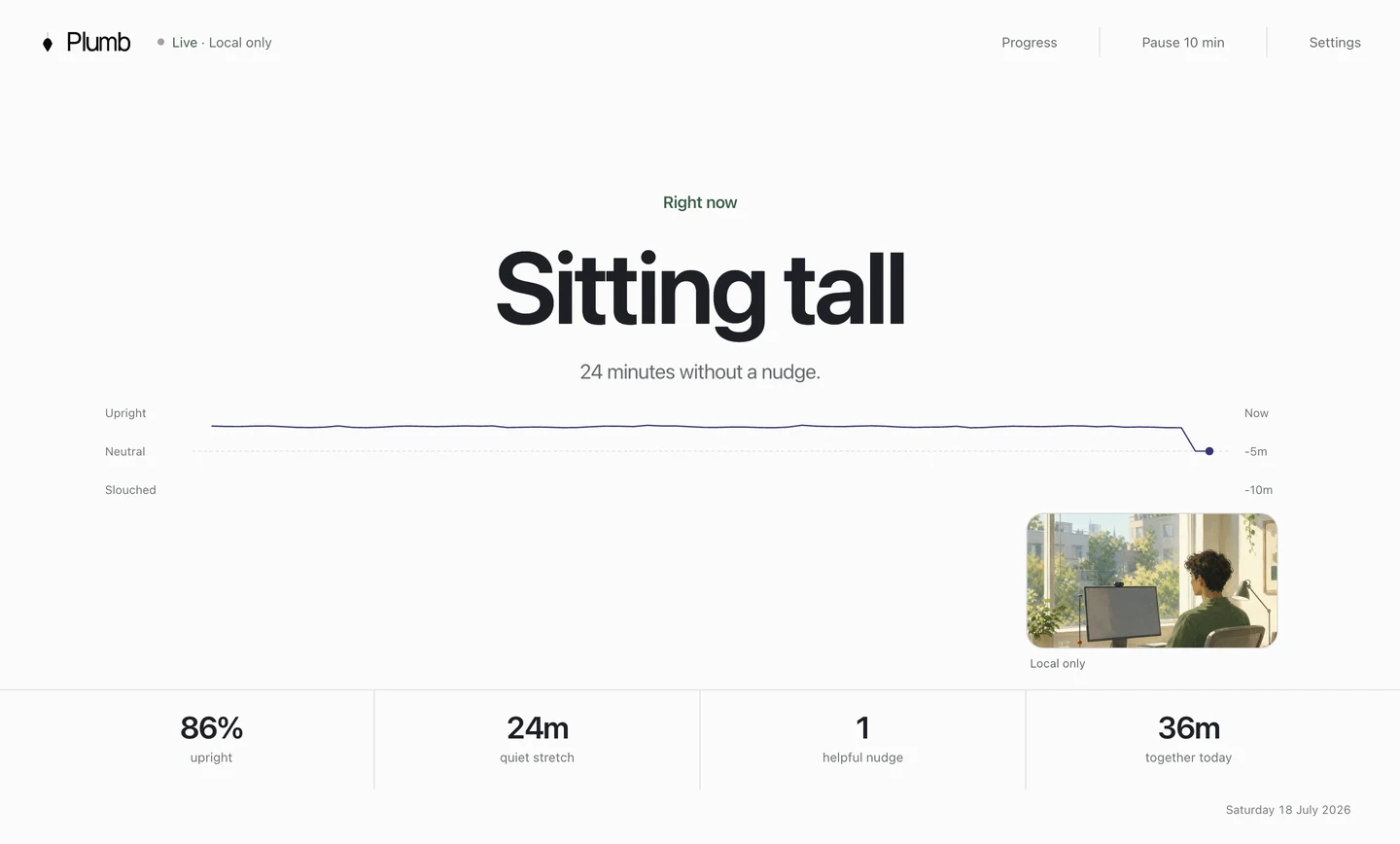
Record three positions, start monitoring, and receive a cue after you remain slouched for the delay you selected.
Pick your trade-off
Compare the daily setup and maintenance
- Want posture coaching built specifically around desk work.
- Want three personal posture examples in setup.
- Care about recovery and longer-term posture trends.
- Prefer an app that stays tightly scoped.
- Want guided yoga alongside posture monitoring.
- Prefer a free app.
- Want to test posture tracking in a browser first.
- Already use macOS 15 or later.
Plumb only works on Mac and needs a clear camera angle. Straighty has this drawback: requires macOS 15 and offers less publicly documented progress depth.
Privacy and setup
Compare camera, device, and account privacy
Plumb uses the Mac camera to compare your current head and shoulder position with the three positions you recorded. It processes frames on the device, discards them during use, and keeps posture history on the Mac. Camera images and posture history are excluded from diagnostics. No account is required for the three-day trial.
That model still has a clear requirement: you must be comfortable granting camera access and have an angle that can see your working position. If your camera is closed, obstructed, or pointed away while using an external display, Plumb cannot coach the session properly.
Straighty has this setup requirement: No wearable; a camera is required. Its documented privacy position is monitoring runs locally on the Mac. For some buyers, that removes the permission they care about most. For others, it adds hardware, account, sync, or platform requirements that make everyday use less convenient.
Read the privacy policy, check the required hardware or account, and test whether you can pause the product during calls and other unsuitable tasks.
Try before you commit
Compare trial terms and prices before paying
You can use Plumb’s complete coaching loop for three days without a card or account. The trial begins when monitoring starts, so downloading it early does not waste any of the trial.
For Straighty, the documented trial is: Free download and a browser demo for core posture monitoring. The price when checked was: Free when checked. Pricing can move, so confirm the current offer before buying.
No card. No account. No cloud posture history.
Common questions
Plumb vs Straighty FAQ
Is Plumb better than Straighty?
Plumb is the stronger fit for Mac users who want three-pose personal calibration, reminders after sustained drift, and local recovery trends. Straighty is the stronger fit for people who prioritise posture detection plus guided yoga with form feedback.
What is the biggest difference between Plumb and Straighty?
Plumb uses a quiet reminder after sustained posture drift. Straighty provides gentle sound or visual alerts when slouching or hunching is detected.
What equipment does Straighty require?
No wearable; a camera is required
How does Straighty handle privacy?
Monitoring runs locally on the Mac
How much does Straighty cost?
Free when checked. Pricing was checked on 23 July 2026; verify the current official offer before purchasing.